The link in your bio that books



Your client
Martin K.
found you on Instagram
- Tapped the link in your bio
- Picked “Men's cut”
- Chose Friday 10:15 with Tomáš
- Booked. No sign-up needed




Your business
- + yoga, pets, lessonsany booked service
Ready for your first booking?
Pick a name for your link. It takes about 5 minutes.
Made for your kind of work
Pick your trade. See your page.
Every page starts from a look made for that trade. Add your photo, your services and your prices. It feels like your feed, not like a booking system.
“I was answering DMs at 11 pm and still a slot got booked twice.”
Quotes are illustrative examples, not from real customers.
- Bookings while you're mid-colourClients pick a service, a stylist and a time on their own. Nothing double-books.
- Your OK first for big changesSet balayage to “Approve” and read the client's note before you say yes.
- Fewer empty chairsEvery client gets a reminder the day before. If plans change, they cancel from the app or the link in their email, and the time is free for someone else.
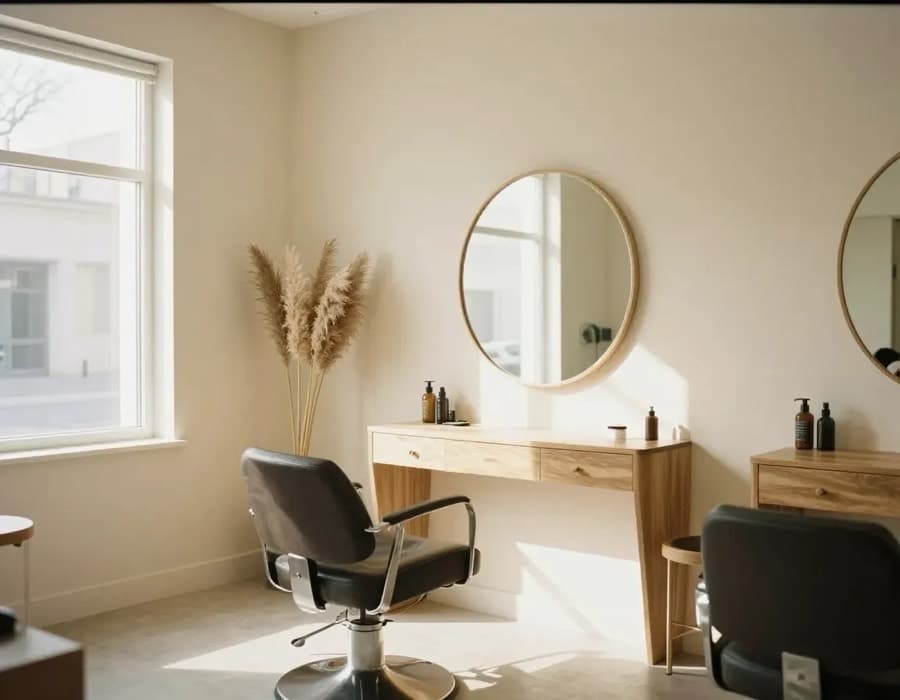
Shown in the “Ivory” look. Every trade can use any of the five.
“Half my day went on answering ‘are you free Friday?’ between cuts.”
Quotes are illustrative examples, not from real customers.
- Your link, your clientsPeople who book through your link are yours. No marketplace listing next to the shop down the street.
- Each barber, their own chairClients pick Tomáš or “anyone available” for the soonest slot.
- Regulars rebook in one tap“Book your usual” in the client's app suggests the same barber and cut.
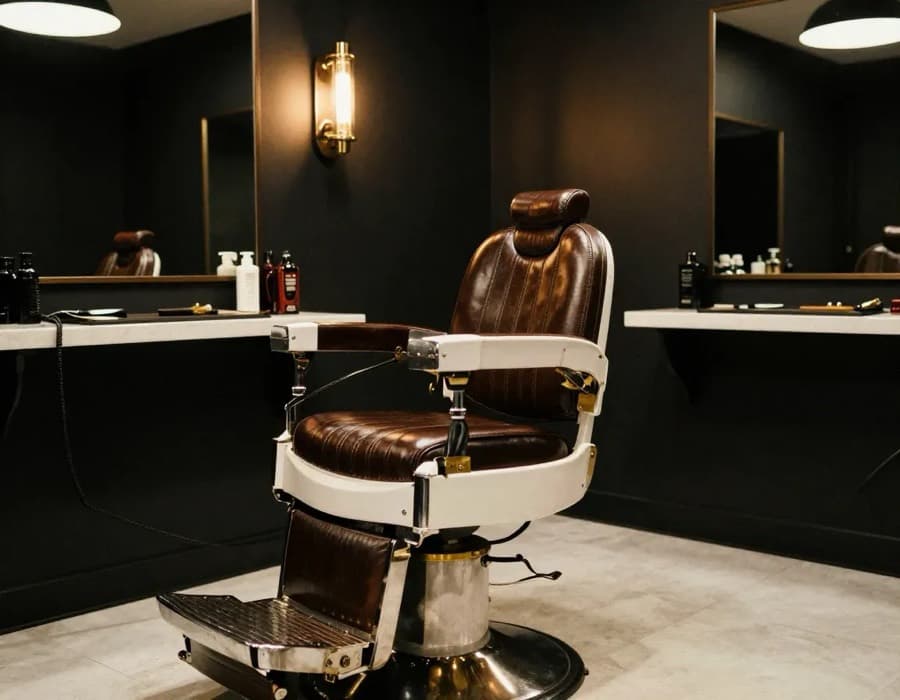
Shown in the “Pulse” look. Every trade can use any of the five.
“One open slot and five people message me at the same time.”
Quotes are illustrative examples, not from real customers.
- Your free slot books itselfShare your link when a spot opens. The first person to tap gets it, the rest see the next free time.
- Refills on timeClients see a nudge in their app when it's been a while since their last visit, so your week fills up ahead.
- Looks like your feedSoft colours and your own photos. Clients feel they're still on your profile.
Shown in the “Blush” look. Every trade can use any of the five.
“My clients come every month. I want them to grab their next slot themselves.”
Quotes are illustrative examples, not from real customers.
- Their next treatment, no messagesClients rebook the same treatment as last time in the Noopi app with one tap.
- A reminder the day beforeA notification and an email the day before. Fewer forgotten visits.
- Approve new clients firstRegulars book straight away; new clients wait for your OK.
Shown in the “Ivory” look. Every trade can use any of the five.
“Reception’s phone rings all day. Half the calls are just about a free slot.”
Quotes are illustrative examples, not from real customers.
- Reception gets a breatherClients find free times themselves, any time. The phone rings only when it’s about more.
- Every therapist, their own calendarClients pick who they see, or take the first free time.
- The whole team in one placeGive colleagues access with the role that fits: from reception that only sees bookings to a manager.
Shown in the “Sage” look. Every trade can use any of the five.
“Tell me placement, size and the idea first. I'm not designing in DMs.”
Quotes are illustrative examples, not from real customers.
- Big pieces on requestTurn on approval for large work. Clients add placement, size and ideas in the note, and nothing books until you say yes.
- Consultations book instantlyKeep consultations open, so clients book them straight in.
- Aftercare and rules on your pageYour FAQ answers the same ten questions so you don't have to.
Shown in the “Noir” look. Every trade can use any of the five.
“My clients want the same Tuesday slot every week.”
Quotes are illustrative examples, not from real customers.
- Their usual, one tap awayClients rebook the same session from the Noopi app, with the next free times ready.
- Your hours, your breaksSet your weekly hours and time off. Clients only see times you can actually take.
- A calm page that sells youYour photo, what you offer and a short FAQ. No clutter.
Shown in the “Sage” look. Every trade can use any of the five.
How it works
Live before your next client sits down.
Pick a look
Choose one of five styles, from soft and light to dark and bold. Colours and fonts are set for you, so it always looks good.
about 1 min
Add what you offer
We pre-fill typical services for your trade. Change the names, times and prices, add your team, write a short FAQ.
about 3 min
Put the link in your bio
Copy links.noopi.app/yourname into Instagram, TikTok, Google or WhatsApp. Bookings land in your calendar.
about 30 s
You’re live!
Your first booking can come tonight.
While your hands are busy
Your page takes bookings while you work.
Clients book late at night, between meetings, on the tram. Noopi fills your calendar, sends the reminders and tells you only what needs you.
New booking23:14
Klára N. booked Colour & gloss with Anna, Thu 14:30.
New booking01:47
Jana booked Haircut & blow-dry with Petra, Sat 9:30.
Needs you12:05
Eva asked for Soft balayage on Saturday. Approve?
Time freed up15:40
Martin cancelled his cut. Tomorrow 10:00 is free again.
40–46%
of salon bookings happen while the salon is closed.
~7%
of monthly revenue lost to cancellations and no-shows in hair & beauty.
20–30%
of a new client's first visit is what booking marketplaces typically charge.
You decide who gets in
Instant booking, or your OK first.
Most places let everyone book straight in. If you'd rather meet new clients first, or read the note before a big colour or a tattoo, turn on approval for just those services. You answer with one tap.
For your clients
They come back in one tap.
Clients can book from your link without signing up. If they want, the free Noopi app keeps all their places in one spot: upcoming visits, reminders, and “Book your usual” with the same person and service.
- It's not a marketplaceClients only see places they've booked or added. No competitors next to you, no discounts to fight.
- A gentle nudge at the right timeIn the app, “5 weeks since your last cut” brings regulars back before they drift.
Questions
Good to know
Do my clients need an account?
No. They book with their name and email; phone is optional. The app is optional too, for clients who want their visits in one place.
Can I make it look like my brand?
Yes, within limits that keep it looking good. Pick one of five looks and add your photos. Colours, fonts and spacing are set for you.
I have a team. Can clients choose who they book?
Yes. Each person gets their own calendar and services. Clients can pick someone or take “anyone available” for the soonest time.
How are clients reminded?
By push notification in the Noopi app and by email, the day before.
Can clients pay a deposit?
Not yet. Payments and deposits are planned after launch. Until then, approval for chosen services and a clear cancellation policy on your page help keep no-shows down.
Your name. Your link. Your clients.
Noopi is waiting for YOU. It takes about five minutes.
Get your link today
Clients book without an account.